 Ability Enhancer Apps
Speak My Talk
An app that learns your own way of saying words. You say a word, and the app shows it in big letters and says it out loud in a clear voice.
Status: Speak My Talk is an early version (a prototype).
Watch the introduction video
Who it is for
Speak My Talk is for people with dysarthria. Dysarthria means speech is unclear because the muscles used for talking are weak or hard to control. It can happen with:
- ALS (motor neurone disease)
- Cerebral palsy
- Stroke
- Parkinson’s disease
Family, friends, carers and speech therapists can help set it up.
How it works
- Train words. Tap Train words. Type your own word or phrase, in any language. Or pick a common word like “water” or “help”. Then say the word 4 times, the way you usually say it. You, or someone helping you, can do this.
- Use it. Tap Use, then the big Speak button. Say one of your words. The app shows it in big letters and says it out loud.
- Fix mistakes. If the app picks the wrong word, tap the right one. The app saves it and gets better over time.
- Say several words (optional). Turn on Sentence mode to say a few trained words in a row. Leave a short pause between words.
Tip: a whole phrase, like “I need the toilet”, can be trained as one item. This often works best.
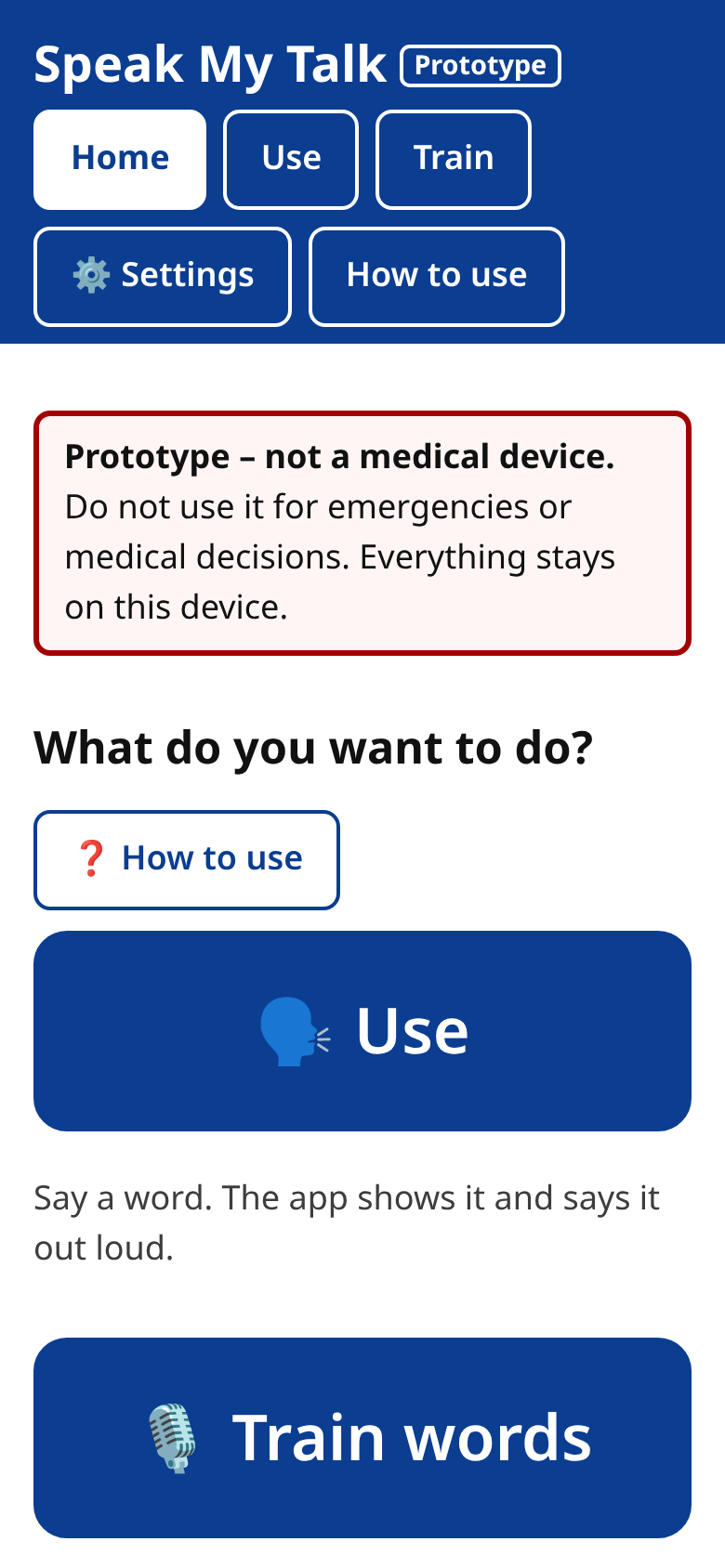
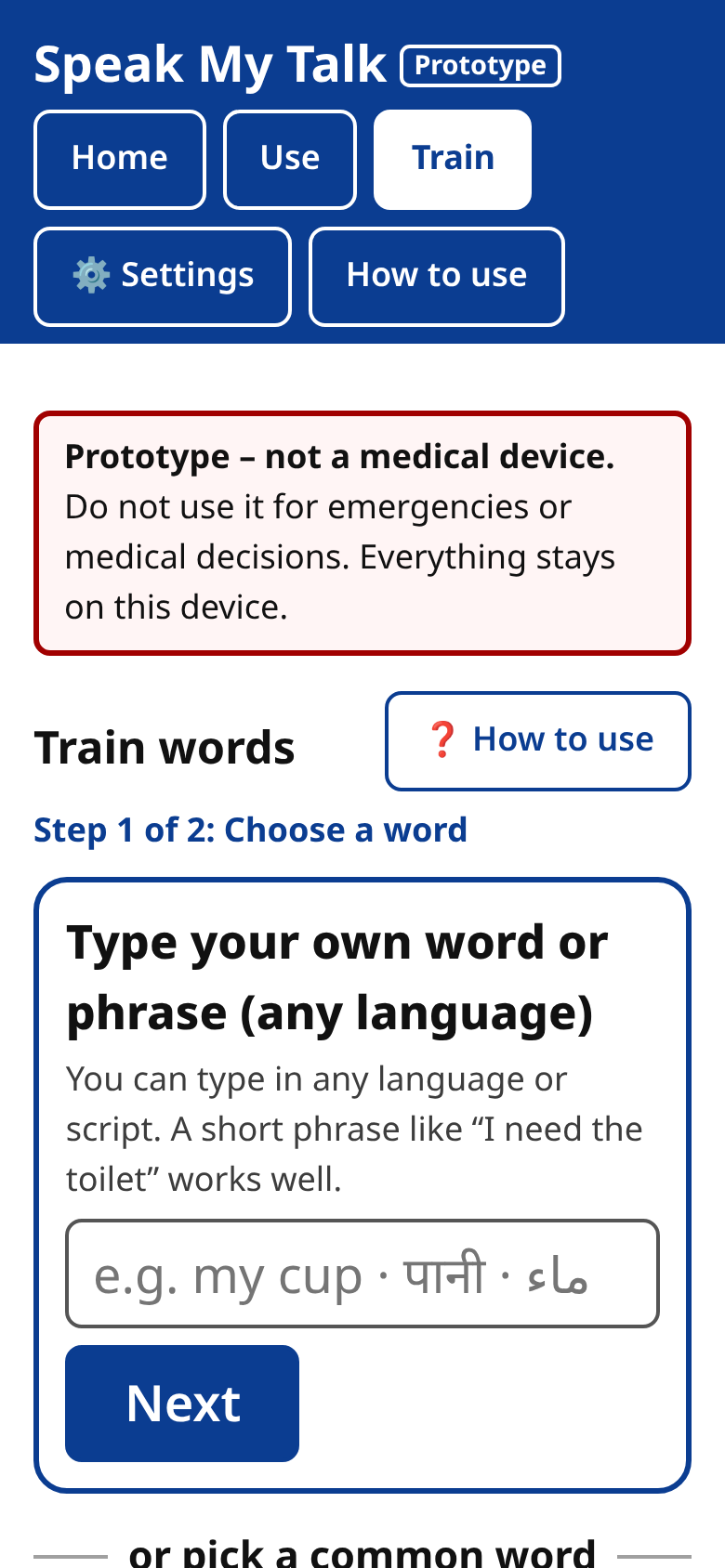
Read the Speak My Talk quick-start guide
Private and offline
- Works without the internet.
- Your voice recordings stay on your phone. They are never sent to us or anyone else.
- No account, no ads, no tracking.
Read the Speak My Talk privacy policy
Important
Speak My Talk is a communication tool. It is not a medical device. Do not use it in an emergency or to make medical decisions.
Download
Downloads for Android and iPhone are coming soon.
Questions, ideas or want to help test? We'd love to hear from you. Email us at abilityenhancerapps@gmail.com.